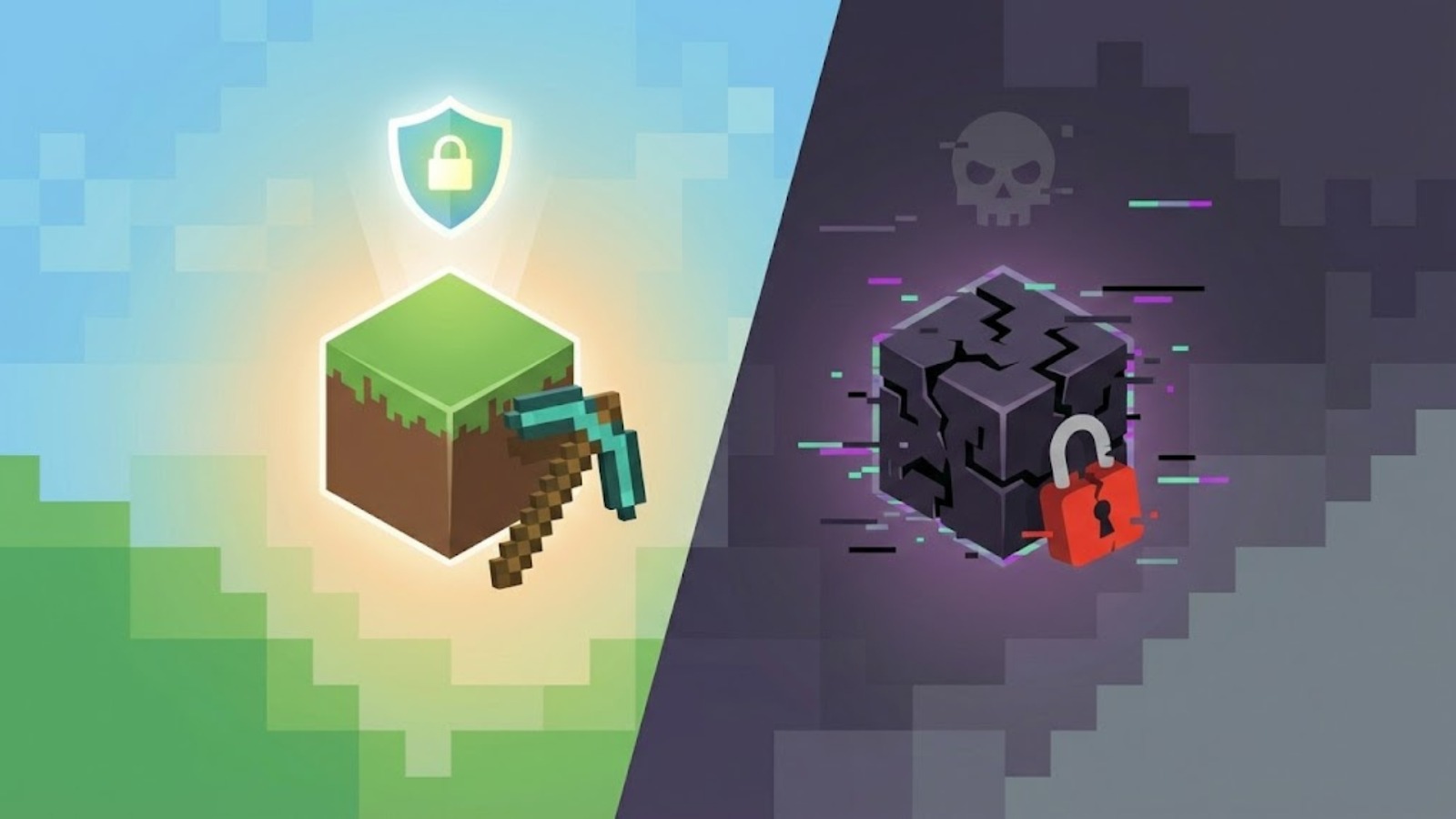
Minecraft isn’t just a game anymore; it’s a cultural platform. With over 160 million active players, the urge to jump in is massive. But for many mobile users, the price tag on the Google Play Store is a hurdle, leading them down the rabbit hole of third-party file sites. This creates a massive grey market for Minecraft APK that promises the full Minecraft experience for free.
But here is the reality check that most download sites won’t give you: downloading a Minecraft APK from an unofficial source is one of the single easiest ways to compromise your phone’s security. This isn’t just about piracy; it’s about a new wave of sophisticated malware targeting gamers specifically.
In this guide, we are going to break down exactly what a Minecraft APK is, why millions of players take the risk, and why the “free” version might cost you much more than just $7.
What exactly is a Minecraft APK?
To understand the risk, you have to understand the tech. APK stands for Android Package Kit (or Android Application Package). It is the file format Android uses to distribute and install apps. When you download Minecraft from the Google Play Store, your phone is technically downloading and installing an APK file in the background.
So, in a strictly technical sense, a “Minecraft APK Download” is just the installer for the mobile version of the game (Bedrock Edition).
However, in the gaming community, the term has taken on a different meaning. When someone on YouTube or Reddit tells you to “just grab the APK,” they aren’t talking about the Play Store. They are referring to:
- Cracked Versions: Legitimate game files that have been modified to bypass the license check, allowing you to play without paying.
- Modded Clients: Versions of the game pre-loaded with “god mode,” free skins, or unlocked marketplace texture packs.
- Malicious Trojans: Files named Minecraft_v1.21.apk that are actually spyware designed to look like the game.
There is no “official” standalone APK provided by Mojang or Microsoft outside of the app stores. If you are manually installing a file, you are stepping outside the safety net.
Why Are Players Drawn to Minecraft APKs?
If the risks are real, why do millions of people still do it? The motivation is usually pretty simple, but it’s not just about being “cheap.”
- The Price Barrier: For a kid or a student in a developing region, the purchase price of Minecraft can be significant. When you add in the cost of Minecoins for skins and maps, the “official” route feels expensive.
- The “Mod” Allure: The official version of Minecraft Bedrock can feel restrictive compared to the Java Edition on PC. Players often hunt for APKs that promise “Java UI,” “unlocked shaders,” or “free skins” that usually cost money.
- Version Control: Sometimes, an update breaks your favorite server or addon. The Play Store makes it hard to downgrade, but third-party sites offer repositories of every version from 0.14.0 to the latest snapshot.
- Regional Restrictions: In some countries where payment methods are limited or the Play Store is inaccessible, sideloading an APK is the only way to play the game.
The Hidden Risks: It’s Not Just “Viruses” Anymore
This is where the conversation needs to get serious. A few years ago, a bad APK might just popup ads on your screen. Today, the threat landscape is terrifyingly professional.
a. Legal and Ethical Concerns
Let’s get the obvious out of the way: downloading a paid game for free is copyright infringement. While it’s rare for individual players to get sued for downloading an APK, you are funding a piracy ecosystem that hurts the developers. Mojang (and Microsoft) pour resources into updates, server maintenance, and new content. Piracy undermines the economic model that keeps the game ad-free and constantly evolving.
b. Security and Privacy Risks (The Real Danger)
The people cracking these games aren’t doing it for charity. They are doing it to monetize you.
- The “Arcane” and “Stargazers” Threat: In late 2024 and mid-2025, security researchers identified sophisticated malware campaigns specifically targeting Minecraft players. One, dubbed “Stargazers,” used fake modded APKs to distribute stealers that hunt for Discord tokens and saved browser passwords.
- Banking Trojans (Cerberus Legacy): Some fake Minecraft APKs contain code based on banking trojans like “Cerberus” or “Alien.” These don’t just crash your phone; they wait for you to open a banking app or a crypto wallet. Then, they trigger an “Overlay Attack,” placing a fake login window over your real banking app to steal your credentials. You think you’re logging into your bank; you’re actually handing your password to a hacker.
- Botnets: Your phone could become part of a botnet. Malicious APKs can run silent processes in the background, using your device’s processing power to mine cryptocurrency or participate in DDoS attacks, causing your phone to overheat and drain the battery in minutes.
c. Stability and Compatibility Issues
Even if the file is “clean,” it’s rarely a good experience.
- No Multiplayer: Most cracked APKs cannot connect to official realms or popular servers like The Hive or Cubecraft because they fail the Xbox Live authentication check.
- Crashes and Bugs: Cracked versions are often based on outdated builds. You might encounter missing textures (the dreaded purple and black squares), broken Redstone mechanics, or corrupted save files that delete your 100-hour survival world.
Is There Such Thing as a “Genuine” Minecraft APK?
This is a common question: “Can I download the official APK legitimately?”
The short answer is no, not as a standalone file.
Mojang does not distribute the installer file on their website. The only genuine source is the Google Play Store (or Amazon App Store), which handles the installation automatically.
If you see a site claiming to have the “Official Minecraft APK,” they are lying. It is either a re-uploaded copy (piracy) or a fake file. Furthermore, Java Edition does not have an APK. Java Edition is built for PC architecture. If you see “Minecraft Java Edition APK for Android,” it is 100% a scam or an emulator wrapper that will run poorly.
The Consequences: Why It’s Not Worth It
The fallout from using an unofficial APK affects both you and the wider community.
For the Player
- Account Bans: Microsoft has ramped up its enforcement. If you manage to sign in to Xbox Live on a modified client, their anti-cheat systems can flag your account. A permanent ban doesn’t just lose you Minecraft; it can lock you out of your entire Xbox gamertag and purchased library.
- Data Loss: Unofficial APKs often have broken file directories. When you eventually try to update or uninstall the bad version, you often lose your world saves because they weren’t stored in the correct system folder.
For the Gaming Ecosystem
Piracy forces developers to implement stricter DRM (Digital Rights Management). This is why we have online-check requirements and harder-to-mod game files. When you pirate, you signal to the industry that they need to lock down their games tighter, which eventually hurts the honest players who just want to mod their game.
The Right Way to Play Minecraft on Android
You don’t need to risk your digital identity to enjoy Minecraft on mobile. Here is how to do it safely and effectively.
Step 1: Purchase the Official Version
It sounds obvious, but it’s the only way to be safe. Watch for sales on the Google Play Store; the price often drops during holidays. Google Play also allows “Family Library,” meaning one purchase can often be shared across up to 5 family members’ devices legally.
Step 2: Legitimately Modding the Game
You don’t need a hacked APK to get mods!
- Addons for Minecraft (App): There are legitimate apps on the Play Store, like Addons for Minecraft or Master Mods for Minecraft – PE, that allow you to download skins, maps, and behavior packs that work with the official game.
- Resource Packs: You can download .mcpack files from trusted community sites like MCPEDL and open them directly with the official Minecraft app. This is safe, legal, and doesn’t require a cracked APK.
- Advanced Launchers: For tech-savvy users, open-source projects like LeviLauncher (for Bedrock) or PojavLauncher (for running Java Edition on Android) exist. These are safe, community-vetted tools, but—crucially—they still require you to log in with a legitimate paid account to verify you own the game.
Step 3: Backing Up Safely
If you are worried about losing your worlds, go to your Minecraft settings, find Profile, and change “File Storage Location” from Application to External. This saves your worlds in a folder on your phone that you can access, copy, and back up to Google Drive, ensuring you never lose your progress even if you uninstall the game.
Conclusion
The search term “Minecraft APK” is a minefield. While the temptation of a free game is understandable, the modern risks—ranging from account bans to banking trojans like Cerberus—are simply too high.
A pirated APK is a temporary fix that brings permanent risks. The genuine version of Minecraft offers stability, safety, and the ability to play with friends across Xbox, PC, and Switch without worry.
Support the developers who built the infinite worlds you love to explore. Save up, buy the real game, and mine without fear.