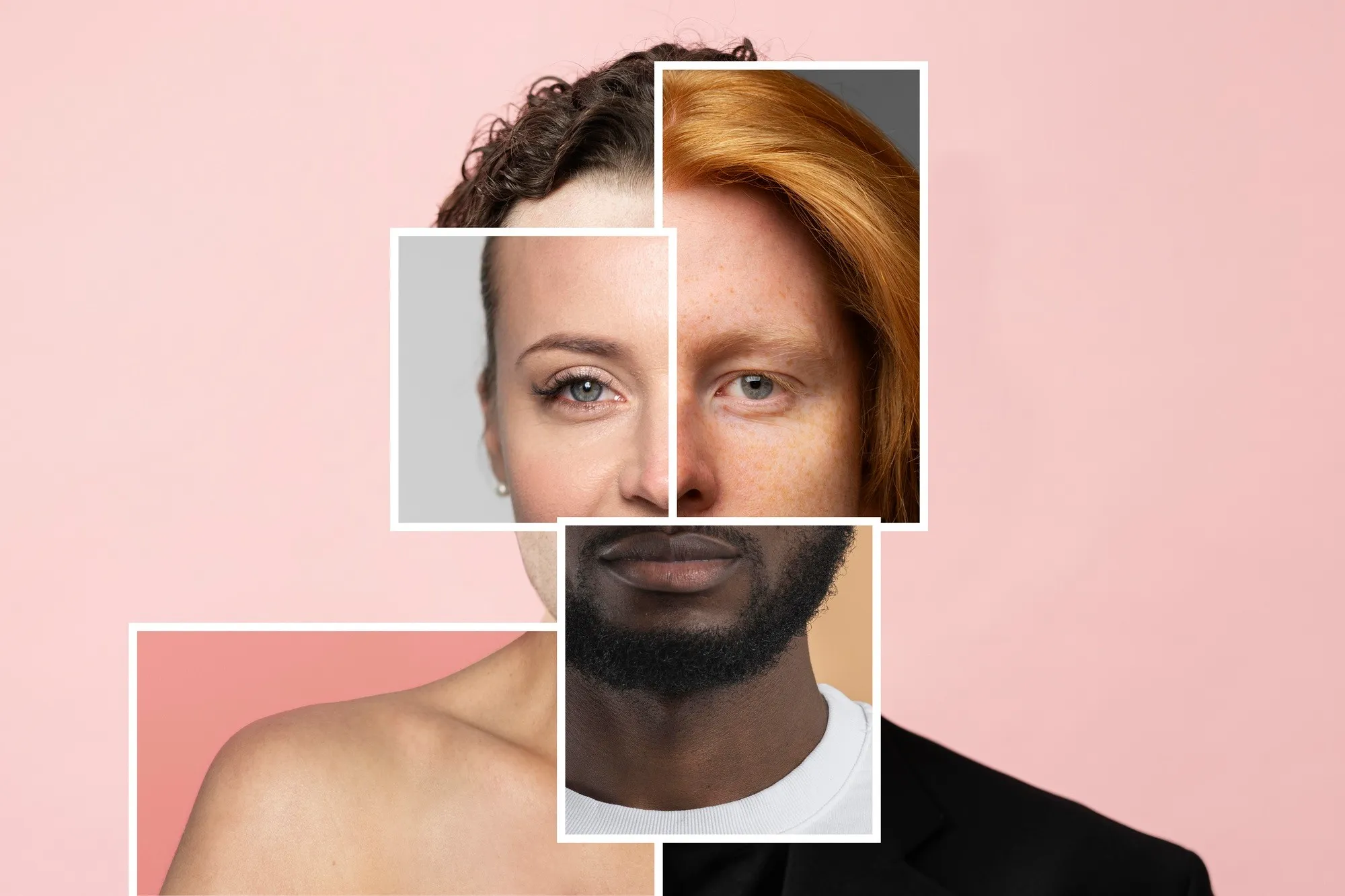
Face swap and lip sync AI tools have exploded this year. Everyone from solo creators to big marketing teams is using them to create realistic, studio-quality videos without cameras or actors.
So, I tested dozens of AI face swapping apps and AI lip sync generators to see which ones are actually worth your time in 2025.
Let’s skip the hype and get into what really works.
The Best Face Swap and Lip Sync AI Tools at a Glance
| Tool | Best For | Platforms | Free Plan | Key Features |
| Magic Hour | All-in-one AI video creation | Web | ✅ Yes | Face swap, lip sync, ai image editor, image to video ai |
| DeepFaceLab | Developers, advanced users | Windows | ❌ No | Open-source neural face swap technology |
| Reface | Quick entertainment videos | iOS, Android | ✅ Yes | Easy AI face swapping apps for fun content |
| Synthesia | Corporate video dubbing | Web | ❌ No | AI dubbing and voice sync tools, talking avatars |
| HeyGen | Marketing, YouTube creators | Web | ✅ Yes | Talking head AI generator, lip-sync videos |
| DeepBrain AI | News and training content | Web | ❌ No | AI avatar generator, video localisation with AI |
| Pika Labs | AI video creation from text | Web | ✅ Yes | Generative AI for video editing, creative storytelling |
| WOMBO | Meme and music videos | Mobile | ✅ Yes | Fast real-time face swap software |
| Runway ML | Pro editing suite | Web, Desktop | ✅ Yes | AI content creation tools for creators, VFX tools |
| Descript | Podcasters and marketers | Web, Desktop | ✅ Yes | Speech-to-lip alignment, realistic dubbing AI |
1. Magic Hour — The All-in-One AI Video Platform
Magic Hour is the best choice if you need powerful face swap AI and AI lip sync in one place. It creates natural facial movements, accurate lip syncing, and smooth video output. You can turn a single image into a full video, Face Swap, or edit visuals instantly through its simple web interface.
Pros
- Realistic face animation AI tools and voice alignment
- Built-in ai image editor with prompt free
- Converts stills into videos using image to video AI
- Fast, web-based interface
- Free plan for new users
Cons:
- Heavy rendering on slower connections
- Web-only (no mobile app yet)
If you’re serious about AI content creation tools for creators, Magic Hour is hard to beat.
Price: Free plan available; paid plans from $12/month.
2 DeepFaceLab — For Developers and Researchers
An open-source project that lets you control every pixel.
Perfect for those who want to explore deep learning video synthesis and neural face swap technology.
Pros:
- Fully customisable
- Excellent control for data scientists
- Free and open-source
Cons:
- Steep learning curve
- Requires strong GPU
If you’re tech-savvy, DeepFaceLab gives you total creative freedom.
Reface — For Quick Fun Face Swaps
Reface is a viral AI face swap built for entertainment.
Drop your selfie, pick a video, and you’re in the scene.
Pros:
- Instant results
- Fun and shareable
- Works on any smartphone
Cons:
- Limited editing control
- Watermarks on free version
It’s great for memes, trends, or testing quick synthetic media tools before going pro.
4. Synthesia — Professional AI Dubbing
Synthesia is a leader in AI dubbing and voice sync tools.
You can generate presenters who speak your script with perfect speech-to-lip alignment and emotion-aware animation.
Pros:
- Over 100 avatars
- 120+ languages
- Polished video output
Cons:
- More suited for corporate content
- Pricey for individuals
If you create training or product videos, Synthesia is worth the investment.
5. HeyGen — Marketing Meets AI
HeyGen is great for brands and creators who need fast, personalized marketing videos. It produces clean talking-head clips, supports multilingual content, and adds automatic subtitles and dubbing.
Pros:
- Great for sales videos
- Integrates with CRMs
- Auto-subtitling and dubbing
Cons:
- Branding limited on free plan
- Slight delay in rendering
Creators love it for its cross-language video dubbing and authentic expressions.
6. DeepBrain AI — News and Training Made Simple
This one’s used by media companies to produce “AI anchors” — digital humans delivering daily updates.
It’s an advanced AI avatar generator built for consistency and realism.
Pros:
- Ultra-realistic avatars
- Supports video localisation with AI
- High-quality voices
Cons:
- Premium pricing
- Requires some technical setup
If you run internal communications or training videos, DeepBrain AI saves hours of production.
7. Pika Labs — From Text to Video Magic
Pika Labs lets you generate videos directly from prompts.
It’s not just a face swap AI tool — it’s an entire generative AI for video editing suite.
Pros:
- Fast results from text prompts
- Community templates
- Free credits monthly
Cons:
- Limited custom controls
- Still improving realism
It’s a creative playground for anyone experimenting with short video storytelling.
8. WOMBO — Quick, Viral Lip Syncs
WOMBO went viral for a reason.
You upload a selfie and it instantly sings a song or reenacts a meme with auto lip movement sync.
Pros:
- Lightning-fast
- Funny and shareable
- Free plan available
Cons:
- No business-grade output
- Not customisable
Perfect for creators who want quick, meme-worthy content.
9. Runway ML — Power for Pro Creators
Runway ML is a full AI video editing platform with real-time video enhancement and automatic facial reenactment.
If you produce YouTube or commercial projects, it’s a powerhouse.
Pros:
- Layer-based video editing
- AI inpainting, tracking, effects
- Cloud collaboration
Cons:
- Pricey for small teams
- Learning curve for new users
It’s one of the most complete creator-friendly AI tools out there.
10. Descript — AI for Podcasters and Editors
Descript isn’t just for audio.
Its Overdub and video sync features make it a hidden gem for realistic dubbing AI.
Pros:
- Text-based video editing
- Voice cloning + sync
- Team collaboration
Cons:
- Limited avatar visuals
- Desktop app heavy
If you create branded video content or podcasts, Descript is a clever multitasker.
How I Chose These Tools
I tested each tool hands-on, using the same sample script and face dataset.
My criteria:
- Accuracy of lip and facial motion
- Ease of use for creators
- Rendering speed and output quality
- Ethical deepfake technology compliance
- Pricing transparency
The result? A shortlist that balances creative control, usability, and realism.
The Market Landscape
As of 2025, the best AI video generators are blending face swap, lip sync, and voice dubbing into single platforms.
We’re seeing massive jumps in realism thanks to emotion-aware facial animation and lifelike digital avatars.
The next trend? Tools that make video localisation with AI effortless — letting creators translate content instantly into any language.
Final Takeaway
If you’re new to this, start with Magic Hour — it’s fast, intuitive, and delivers studio-quality realism.
For deeper control, explore DeepFaceLab or Runway ML.
And if you’re chasing fun or viral potential, Reface and WOMBO are perfect.
The key is to test, tweak, and see what fits your workflow best.
Because no matter what, face swap and lip sync AI will only get smarter from here.
FAQs
- Is face swap AI legal to use?
Yes, as long as you use it ethically and avoid impersonating real people without consent. Always disclose AI-generated content. - What’s the best free face swap tool?
Reface and Magic Hour both offer free plans for quick projects. - How accurate are AI lip sync generators?
Top platforms like Magic Hour and Synthesia deliver high-precision sync thanks to advanced speech-to-lip alignment models. - Can I use AI dubbing for marketing?
Absolutely. Many brands use AI dubbing and voice sync tools for global campaigns with consistent messaging. - Which tool is best for beginners?
Magic Hour and HeyGen are the easiest to start with — no editing experience required.
As of 2025, face swap and lip sync AI isn’t just a trend — it’s a new creative standard for digital storytelling.