Turn Any Idea into a Visual: A Complete Guide to SuperMaker AI Image Maker

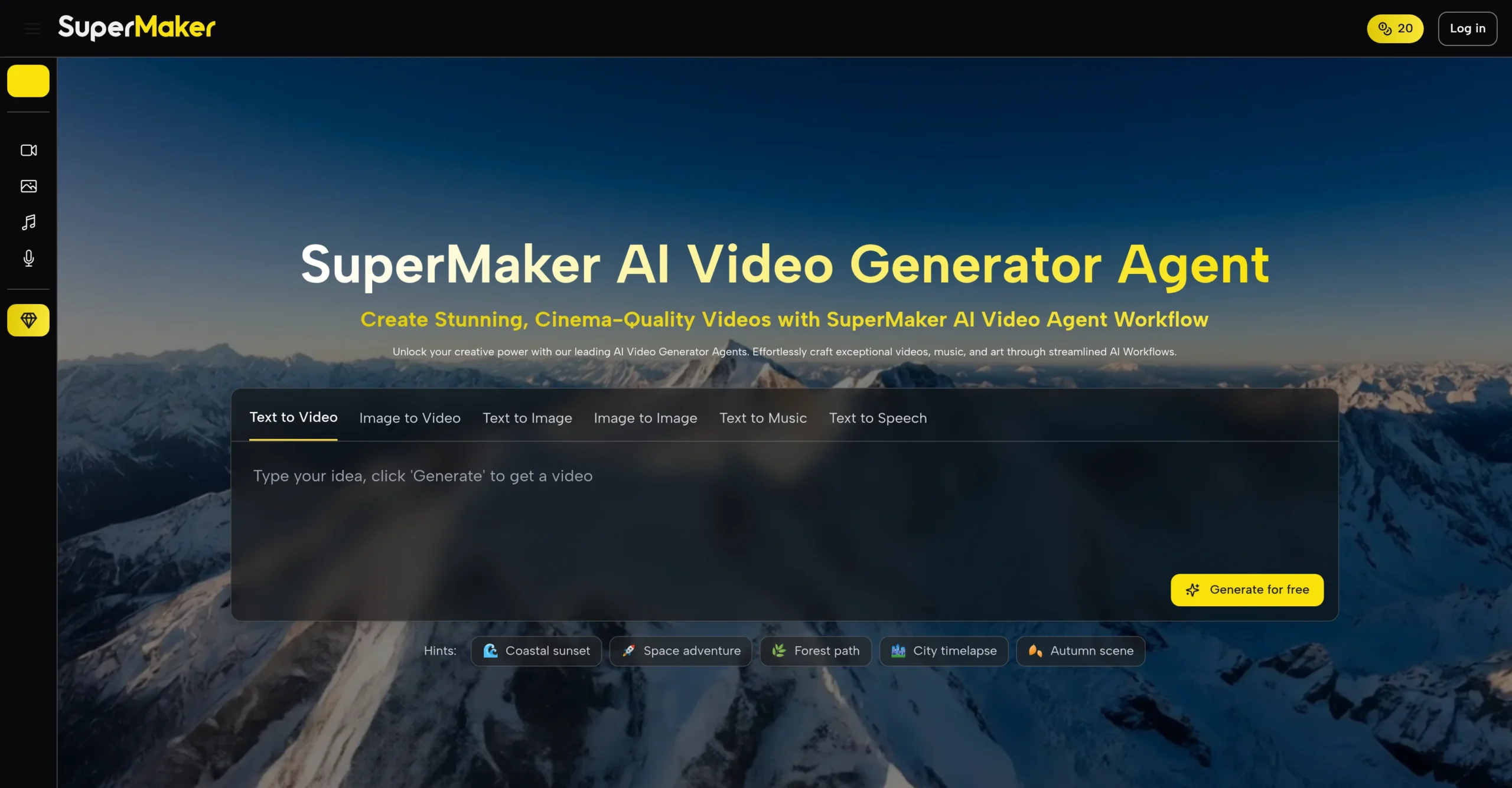
Generating professional-quality images used to require design software, stock subscriptions, or hours of manual work. AI Image Maker on SuperMaker AI changes that equation entirely — transforming a plain text description into a high-resolution, royalty-free visual in seconds, with no design experience and no software to install.
What makes SuperMaker AI worth paying attention to is the depth behind that simplicity. The platform isn’t a single-model generator — it runs a suite of specialized AI image models, each optimized for a different creative output, from photorealistic product shots to stylized illustrations and concept art. The result is a tool that serves both casual creators and professionals without asking either group to compromise.
What Is SuperMaker AI Image Maker?
SuperMaker AI Image Maker is the image generation hub within SuperMaker’s broader all-in-one creative platform. It supports text-to-image generation across multiple models, reference-based image editing, style application, and dimension customization — with additional tools including object removal, canvas expansion, and photo restoration in active development.
New users receive free starter credits with no login required, making it possible to generate and evaluate results before committing to a subscription. Output is royalty-free for both personal and commercial use, and generated images can be exported directly or fed into the platform’s video tools to create animated clips from static visuals.
Core Features of SuperMaker AI Image Maker
Multi-Model Image Generation
Rather than routing every prompt through a single model, SuperMaker AI Image Maker gives users access to a curated suite of generation engines — including Nano Banana, Seedream, GPT Image, and others — each with distinct strengths. Nano Banana excels at style-aware generation, interpreting descriptive language like “a 1950s cartoon” or “a product shot with morning light” with notable accuracy. Other models in the suite are optimized for speed, photorealism, or illustrative output. Selecting the right model for the task produces meaningfully better results than a one-size-fits-all approach.
Text-to-Image and Reference-Based Editing
The core workflow accepts either a text prompt or an uploaded reference image. For text-to-image, descriptive prompts are translated directly into visuals — style, mood, composition, and subject detail are all read from the prompt. For reference-based editing, the AI Image Maker uses an uploaded photo as the foundation, allowing edits described in plain language: changing styles, removing elements, adjusting details, or applying dramatic transformations without manual masking or layer work.
One-Click Style Effects
The platform supports one-click stylistic transformations — applying aesthetics like cinematic, illustrative, Ghibli-inspired, or Minecraft-style to any generated or uploaded image. This makes it practical for quickly exploring visual directions without committing to a full prompt rewrite for each variation.
Dimension and Output Customization
Users can set aspect ratios, output dimensions, and the number of image variations generated per prompt. This is particularly useful for social media workflows where the same concept needs to be produced in multiple formats — square for Instagram, landscape for YouTube thumbnails, portrait for mobile — without separate generation sessions.
Integrated Video Conversion
Generated images can be converted directly into short video clips within the same platform. This removes the need to export assets and re-import them into a separate video tool, keeping the creative workflow contained in a single environment.
How to Use SuperMaker AI Image Maker
Step 1 — Write Your Prompt or Upload a Reference
Open the Image Maker and either type a description of the image you want or upload a reference photo. The more specific the prompt — subject, style, lighting, mood, composition — the more aligned the output will be with your intent.
Step 2 — Select a Model and Set Dimensions
Choose the generation model that fits your goal. For photorealistic output, select accordingly; for stylized or concept art results, choose a model suited to that aesthetic. Set your preferred aspect ratio and the number of variations you want generated.
Step 3 — Generate and Preview
Click Generate. Results typically appear within seconds. Review the output and identify which variation best matches your vision, or note what adjustments to make in the next generation.
Step 4 — Refine or Export
Apply one-click style effects, request reference-based edits through the prompt interface, or export the image directly. For projects that need both static and animated assets, use the image-to-video conversion to generate a clip from the finished image without leaving the platform.
Use Cases of SuperMaker AI Image Maker
- Social Media Content — Generate platform-specific visuals in the correct dimensions for Instagram, YouTube, TikTok, or LinkedIn in a single session, with style consistency across the set.
- Marketing and Advertising — Produce concept visuals, campaign imagery, and promotional graphics without commissioning photography or waiting on design revisions.
- Product Visualization — Create photorealistic product shots against custom backgrounds, or visualize product variations before physical samples exist.
- Content Creation and Blogging — Generate custom featured images, in-article illustrations, and header graphics that match the tone and subject of each piece without relying on stock photo libraries.
- Concept Art and Ideation — Rapidly prototype visual concepts for games, films, brand identities, or design projects — multiple directions in minutes rather than days.
- Education and Presentations — Turn abstract ideas into clear visual aids, diagrams, or thematic illustrations for slides, courses, and educational materials.
Conclusion
SuperMaker AI Image Maker’s strongest quality is its range. The combination of multiple specialized models, reference-based editing, style effects, dimension control, and direct video conversion covers a genuinely broad set of creative needs without requiring users to move between tools or learn separate interfaces.
For content creators, marketers, designers, and educators who need professional-quality visuals on demand, this is a platform that removes the friction at every step — from first prompt to finished, exportable asset. Start generating with AI Image Maker and see how quickly a text description becomes something worth publishing.