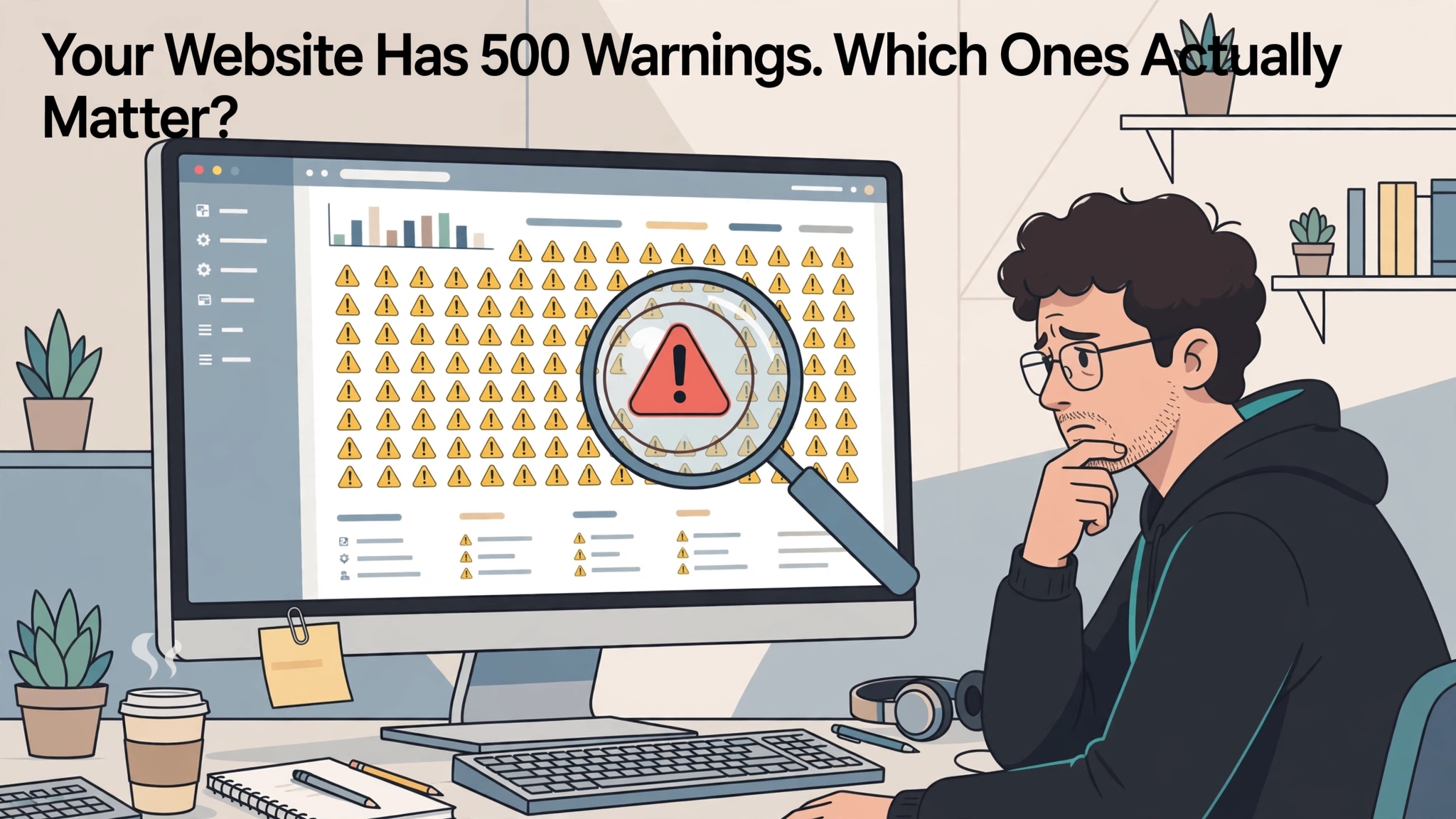
You run a scan, wait for the results and receive a report that makes your website look like a building awaiting demolition. There are hundreds of warnings, several alarming colours and a health score that seems personally disappointed in you. The obvious question is where to begin.
A website SEO audit tool can help identify patterns across many pages. It cannot automatically understand every business priority or decide whether each flagged condition is a genuine problem. Your job is to turn the findings into a short, defensible order of work.
Treat the Scan as an Inspection, Not a Verdict
Audit software checks pages against predefined conditions. Those conditions can reveal useful technical issues, but their importance depends on the website and the page. A warning deserves investigation rather than automatic acceptance.
Start by understanding what the tool actually observed. Did it fail to reach a page, detect a missing element or find a value outside its preferred range? Read the explanation before treating the label as a diagnosis.
This distinction matters because tools can describe the same situation differently. One product may flag a condition aggressively while another treats it as informational. Your decision should rest on the evidence and likely impact, not which dashboard uses the brightest shade of red.
Check Whether the Crawl Covered the Right Website
Before interpreting the findings, review the crawl settings. Confirm the starting URL, any limits, the areas included and whether the scan completed as intended. An incomplete or poorly configured crawl can produce a distorted picture.
Compare the discovered pages with what you expect the website to contain. If an important section is absent, investigate why before concluding that it has no problems. The crawler may not have reached it through the paths or settings used.
Also examine unexpected volume. A small website producing thousands of URLs may expose parameters, filters or other variations that require review. The first useful question is whether those URLs represent meaningful pages, not how quickly you can make the report shorter.
Separate Intended Behaviour From Actual Errors
Some conditions are correct for the page involved. A private account area may intentionally be excluded from search, while a retired page may legitimately return a not found response. Fixing these conditions indiscriminately can create new problems.
Ask what each page is supposed to do. Is it intended to attract search visitors, support navigation, complete a transaction or remain restricted? That purpose provides the context needed to interpret the technical finding.
A useful technical SEO audit tool records intentional exceptions. This saves the team from debating the same warnings every month. It also makes new or unexpected issues easier to notice because the known background conditions have already been explained.
Review Important Pages Before Chasing Large Counts
A warning affecting many URLs can look more urgent than one affecting a single page. That may be true, but the number alone is not enough. A problem on your main service page could matter more than a repeated minor issue across an archive.
Identify the pages and templates that support the business most directly. Consider relevant search traffic, enquiries, purchases and important customer information. Use those priorities to guide manual investigation.
For example, a broken link to the main booking page deserves prompt attention. Several hundred minor title length warnings may require a more measured review. Volume is a useful signal of scope, but it does not establish the value of the fix.
Group Findings by Their Underlying Cause
Audit reports often count symptoms separately. One template issue can create hundreds of repeated findings, while several unrelated problems may appear under one category. Grouping by likely cause makes the work easier to understand.
Look for patterns in page type, directory, template or recent changes. If the same problem appears across every product page, investigate the shared implementation. A single well targeted correction may address the entire group.
Be cautious about assuming a common cause too quickly. Test a representative sample and include exceptions. The aim is to reduce duplicated effort without overlooking differences that could make a blanket fix unsuitable.
Validate Before Creating Development Tickets
An automated finding should be checked before someone spends time implementing a change. Open representative pages, inspect the relevant behaviour and confirm that the issue can be reproduced. Capture enough evidence for another person to understand the problem.
For a broken internal link, record the source page, destination and observed response. For a content or template issue, show what is missing and where it should appear. Specific evidence makes the task easier to estimate and less likely to return with questions.
Avoid tickets that simply say “fix SEO errors”. Describe the expected outcome and how it will be tested. Developers can work more effectively when the request explains the behaviour that needs to change rather than referring them to an unfamiliar health score.
Prioritise by Impact, Confidence and Effort
A practical SEO prioritisation framework considers three questions. How important is the likely effect, how confident are you in the diagnosis and how much work is required? These factors support a more useful decision than the tool’s default severity label alone.
High impact, well understood issues should generally receive early attention. Lower confidence findings may need investigation before implementation, even when they sound serious. Low effort improvements can also be worthwhile when they remove a clear obstacle.
Do not turn the framework into false precision. A score of 8.4 is not inherently more credible than a clear explanation of why a task matters. The framework should help people agree on priorities, not disguise judgement behind unnecessary decimal places.
Write Tickets That Include a Completion Test
Every recommended fix should explain how the team will know it worked. This might involve confirming that a destination loads correctly, checking a sample of affected pages or repeating the relevant crawl. Completion should mean the intended behaviour is present, not merely that someone changed a setting.
Include the scope of the change. State whether the task applies to one URL, a template or a defined group of pages. This helps prevent an otherwise sensible correction from being applied too broadly.
Assign an owner and record dependencies. A content edit may require approval, while a template change may depend on a release window. Making those dependencies visible prevents the action list from becoming a collection of permanently urgent tasks that nobody can complete.
Recheck the Fix and Watch for Side Effects
A resolved warning does not automatically mean the underlying problem was handled correctly. The finding might disappear because the crawler no longer reaches the page. Validate the actual outcome rather than relying only on a lower issue count.
Test representative pages after implementation and compare them with the original evidence. Check related functions that could be affected by the change. A repaired navigation template should still support the customer journeys it was designed to serve.
Keep a record of the fix, date and validation result. This creates useful context if the issue returns after a later website update. It also helps the team distinguish recurring implementation problems from genuinely new findings.
Use the Report to Improve the Website, Not the Score
A health score can provide a quick summary within one tool’s framework. It is not a direct measure of customer satisfaction, search visibility or commercial performance. Chasing a perfect number can consume time without addressing the website’s most important weaknesses.
Review the completed work alongside useful outcomes. Are important pages accessible, customer journeys functioning and recurring technical problems under control? Those questions provide a more meaningful view of progress than celebrating the disappearance of every warning.
The best result from an audit is a clearer set of decisions. You should know what needs fixing, why it matters, who owns it and how the result will be checked. Once that happens, the report stops behaving like a digital fire alarm and starts becoming something the team can actually use.