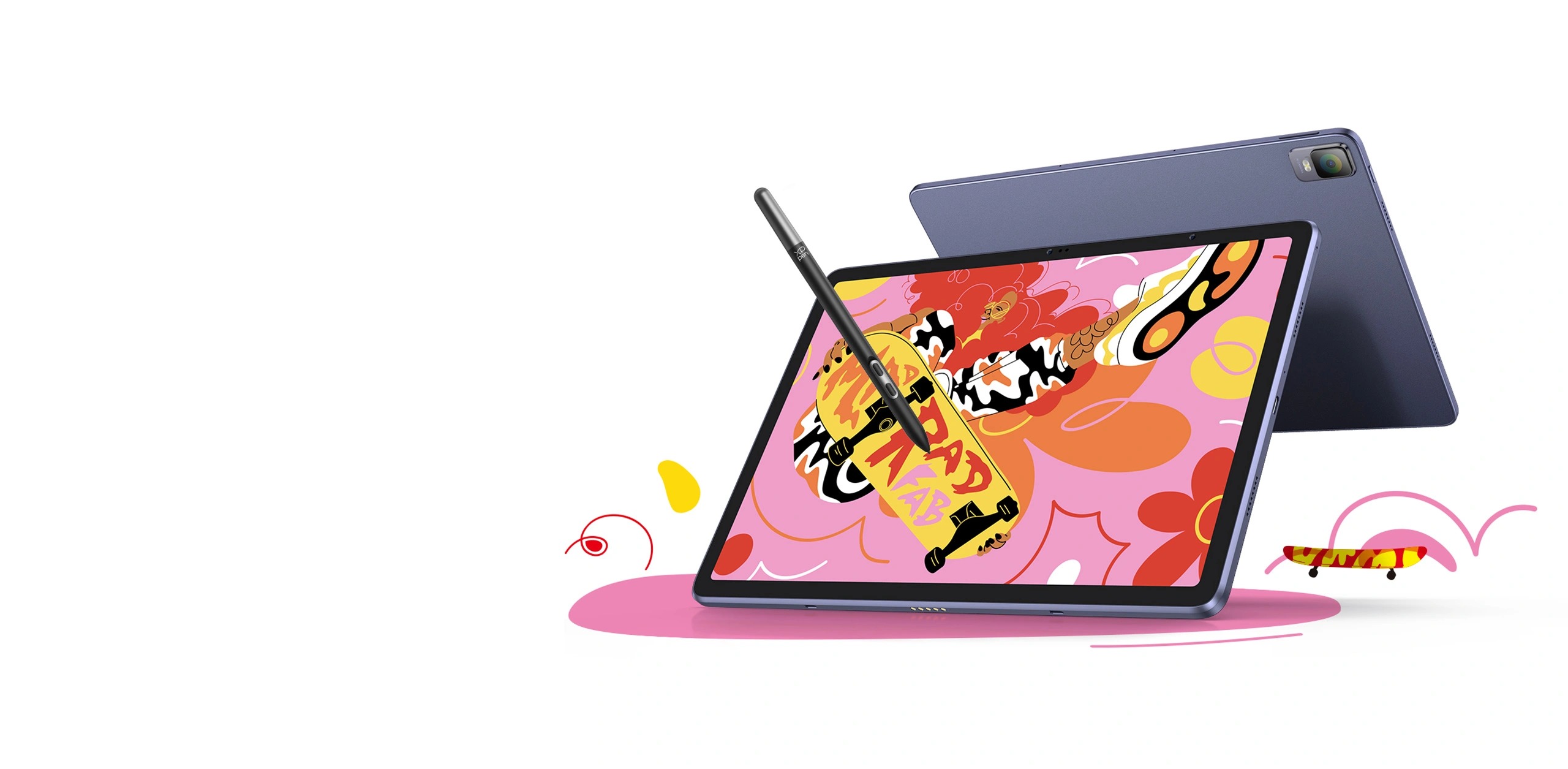
As drawing and sketching become more popular, Android tablets have crossed over into the space where being a useful tool for detailed creative work is just as important. Professional artists used to depend on desktop-tethered pen displays or graphic tablets attached to a computer powerhouse. But now a new kind of Android device — one specifically aimed at artistic performance — defies that paradigm. What if you could have a tablet that’s as powerful and capable as most PC-based drawing tablets, runs your favorite digital drawing software, and slips into a backpack or shoulder bag? This quest translates to the hunt for the best Android tablet for drawing — and shines radiant with models like XPPen Magic Drawing Pad.
Why Android Tablets Are Becoming Artistic Tools
Android tablets have two major advantages for artists:
- Portability and Freedom — Artists are able to sketch and paint whenever they want without a computer.
- Expanding App Ecosystem — Applications such as ibis Paint X, Infinite Painter and Clip Studio Paint (Android version) offer excellent creative toolsets.
Compared with traditional tablets that need to be connected to the computer, modern Android tablets now enable you to draw directly on screen with a stylus as well as download apps, organize files and produce art without anyone else’s help. The range of hardware and software capabilities has grown to the point where some Android models now seriously rival classic drawing devices.
The Rise of Purpose-Built Creative Android Tablets
Most consumer Android tablets (like Samsung Galaxy Tab series) are general-purpose devices that happen to include stylus support. They offer great performances and displays, but are not always designed for artists.
Here’s where tablets designed for creative workflows — with responsiveness to dedicated art stylus, high pressure sensitivities, and matte or anti-glare screen surfaces that feel good to draw on — come into their own. Among these, the XPPen Magic Drawing Pad aims to deliver a professional drawing experience with an Android operating system and artist-centric hardware.
Meet the XPPen Magic Drawing Pad
The XPPen Magic Drawing Pad is a standalone Android drawing tablet made for artists who want to take their artwork on the road and have some serious creative power. It combines XPPen’s long experience with digital art tools and a mobile-first approach.
Key Drawing Features
Here’s what makes it especially suited for artists:
- Stylus Technology: It comes with X3 Pro Slim stylus, which uses EMR (Electro-Magnetic Resonance) pen technology and provides 16,384 levels of pressure sensitivity and it can support up to 60° tilt that can be used to draw multi-stroke smoothly to adjust line thickness and color. The stylus doesn’t need to be recharged or paired, so it’s always ready whenever inspiration strikes.
- Responsive Display: With a 12.2-inch 2160 × 1440 resolution screen that covers 97% sRGB color gamut and displays 16.7 million colors, it offers vivid visuals and accurate color reproduction.
- Eye-Comfort Design: The screen is with anti-glare and anti-fingerprint design, allowing you to draw for a long period with comfortable Inspiration.
Stand-Alone Creativity
The Magic Drawing Pad can run Android all by itself – no computer required. It supports multitasking and popular drawing apps from the Google Play Store, letting you create, manage files, and export artwork on the go. The tablet also supports dual-window multitasking, which means artists can open reference apps next to their drawing tools.
Performance and Usability
- Processor & Memory: An octa-core chipset and 8GB RAM + 256GB storage support larger canvases and multiple apps. Expandable storage lets you add up to 1TB via microSD.
- Battery Life: A robust 8000mAh battery delivers up to approximately 13 hours of use, ideal for extended creative sessions or travel.
- Connectivity & Extras: The tablet features Wi-Fi, USB-C, four speakers for multimedia, and even rear (13MP) and front (8MP) cameras for capturing reference images or artwork documentation.
Since the tablet runs on Android, artists have a wide range of apps they can choose from — such as Sketchbook, ibis Paint X and Infinite Painter, Concepts and more — making the Magic Drawing Pad operate like a portable art studio rather than running like just another sketchbook.
Android Drawing Tablet Comparison
To provide context for the best android tablet for drawing, here’s how the Magic Drawing Pad compares to a few other popular Android tablets often used for artistic work:
| Tablet Model | Operating System | Stylus Support | Stylus Features | Display | Best For |
| XPPen Magic Drawing Pad | Android 14 | Included (X3 Pro Slim Stylus) | 16,384 pressure, 60° tilt, EMR | 12.2″ 2160×1440 | Dedicated art & creation |
| Samsung Galaxy Tab S11 | Android | S-Pen included | High precision, tilt | ~11″ AMOLED, 2560×1600 | General drawing + productivity |
| OnePlus Pad Go 2 | Android | OnePlus Stylo supported | Basic pressure | ~12.1″ 2.8K | Entry creative & media |
| Google Pixel Tablet | Android | Optional stylus | Basic | ~10.95″ | Casual drawing & general use |
This comparison illustrates that while many Android tablets can be used for drawing, very few offer stylus hardware and software integration optimized specifically for creative applications. The Magic Drawing Pad, by contrast, was engineered with art creation in mind — including its stylus technology and display characteristics.
What to Look for in an Android Drawing Tablet
When considering the best android tablet for drawing, you’ll want to evaluate:
Pen Technology
Pressure levels and tilt support are vital for expressive, natural drawing. Technologies like EMR that don’t require charging or Bluetooth pairing reduce friction and let artists focus on creation rather than setup.
Display Quality
Color gamut, brightness, and texture affect both the visual accuracy of your artwork and how comfortable the device feels under the stylus.
App and OS Compatibility
A tablet that runs a modern Android version (such as Android 14 or later) supports a wide range of drawing apps and offers multitasking — both useful for serious digital art workflows.
Battery and Portability
Long battery life and lightweight design determine whether a tablet truly serves as a mobile studio or just a drawing supplement.
Android Tablets vs. Traditional Drawing Devices
For many artists, desktop pen displays or graphic tablets connected to powerful computers still offer unmatched performance for complex workflows like 3D content creation or high-resolution illustration. But Android tablets bridge that gap for a different use case: portable art that’s ready whenever inspiration strikes.
Standards such as high-pressure sensitivity, accurate tilt, and responsive screens mean tablet art is no longer evaluated merely for convenience — many artists now consider Android devices their go-to tools for ideation sketching, daily expressions of creativity, and visual storytelling.
Final Thoughts
If you’re looking for the year 2025’s best Android tablet for drawing, then purpose-made creative devices like XPPen Magic Drawing Pad show just how far Android tablets have developed as serious artistic canvases. With advanced stylus performance, vivid displays, and standalone flexibility, they challenge traditional assumptions about what a mobile art device should be.
It doesn’t matter if you’re a student, concept artist, or pro illustrator: the perfect Android tablet will not only give you freedom, but it can also power you to make incredible artwork no matter where life takes you.